

Before you begin
- Your Org Admin has invited you. The invitation goes to your work email, works once, and expires after 30 days.
- Use the Google account the invitation was sent to. Any other account has no access.
- Connect to your company VPN. Neoflo is reached through it.
Sign in for the first time
1
Open the invitation email from Neoflo, and select Accept Invite.
2
On the Welcome to Neoflo page, select Continue with Google.
3
Choose your work account.
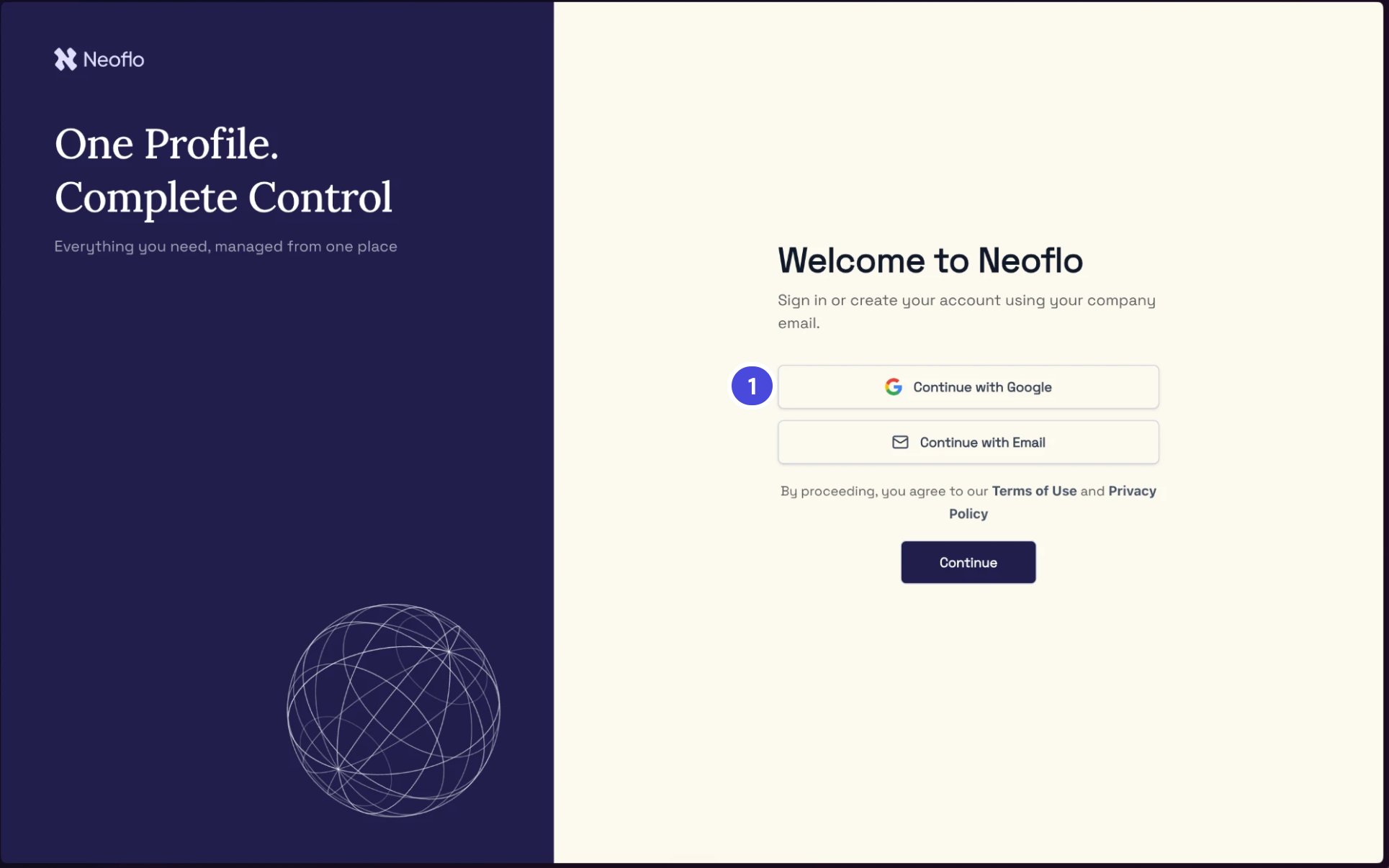
The sign-in page. Everyone signs in with Continue with Google, so you won't need the other buttons.
1Continue with Google